
If you work on a software product, you have probably heard “MCP” in the last few months. Your customers ask whether they can use your product from ChatGPT or Claude. Your engineers want to connect their coding agents to your internal tools. And every AI vendor now says it “supports MCP”.
This guide explains what MCP is, what an MCP server does, how it compares to a regular API and what it actually takes to build one for your product, from the point of view of a team that ships AI features for a living.
Last reviewed: November 2026.
What is MCP?
MCP, the Model Context Protocol, is an open standard that defines how AI applications connect to external tools and data. Anthropic released it in November 2024, and within a year OpenAI, Google and Microsoft had added support across their assistants and developer tools. In December 2025, Anthropic donated the protocol to the Agentic AI Foundation, under the Linux Foundation, so no single vendor controls it.
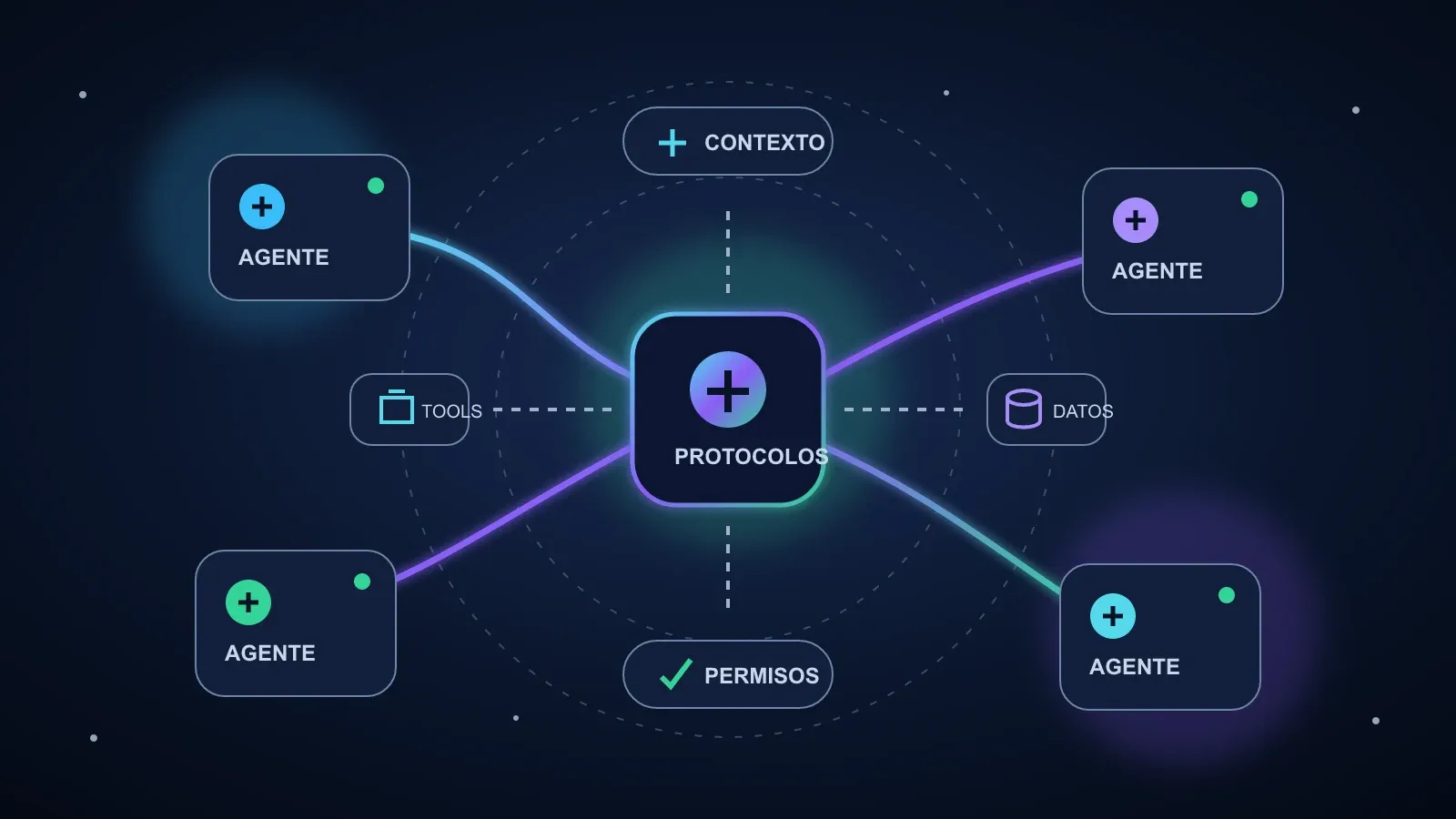
The easiest way to picture MCP is as a universal plug. Before MCP, every AI app needed its own integration with every tool: one connector for ChatGPT and Slack, another for Claude and Slack, another for your IDE and Slack. With MCP, a tool exposes its capabilities once, and any compatible AI app can use them.
MCP has three roles:
- Host: the AI application the user works in, like ChatGPT, Claude, Cursor or your own product.
- Client: the piece inside the host that keeps a connection with one server.
- Server: the program that exposes tools and data from a system to the AI.
They talk using JSON-RPC 2.0 messages. A server can run locally on the same machine as the host, or remotely over HTTP, which is how most companies offer MCP to their customers.
What is an MCP server?
An MCP server is a program that exposes a system’s capabilities to AI applications through MCP. It is the part you build if you want an AI to work with your product.
A server can offer three kinds of things:
- Tools: actions the model can run, like “create an invoice”, “search orders” or “open a ticket”. Each tool has a name, a description and a schema for its inputs.
- Resources: data the model can read, like documents, records or files.
- Prompts: reusable templates for common tasks, like “summarize this account’s activity”.
When a host connects, it asks the server what it offers. The model reads those descriptions and decides, during a conversation, which tool to call and with what inputs. The server runs the action against your system and returns the result.
That last step is the important one for a product team: the MCP server decides what the AI can see and do. It is your security boundary, not a thin pass-through.
MCP vs API: what is the difference?
This is the most common question we get, and the short answer is that MCP doesn’t replace your API. It sits on top of it.
| API | MCP server | |
|---|---|---|
| Built for | Developers writing code | AI models deciding at runtime |
| How capabilities are found | Documentation a human reads | The model asks the server what it offers |
| Format | Different for every product | The same protocol for every product |
| Who calls it | Your code or your customer’s code | Any MCP-compatible AI app |
A REST API expects a developer to read the docs, write the integration and decide when to call each endpoint. An MCP server expects a model to discover the tools on its own and pick the right one from a description. That changes how you design it:
- Fewer, task-shaped tools. “Refund an order” works better than exposing ten low-level endpoints the model has to chain.
- Descriptions are part of the interface. A vague description leads the model to call the wrong tool.
- Outputs should be short and clear. Models work better with a concise result than with a full JSON dump.
In practice, most MCP servers call the company’s existing API underneath. If your API is solid, you’re halfway there.
MCP server examples
Some well-known examples of what companies already expose through MCP:
- Developer tools: GitHub servers let a coding agent read issues, open pull requests and review code. Our guide to the best AI coding agents covers the tools that use them most.
- Payments and finance: Stripe offers a server so an assistant can look up customers, payments and invoices.
- Work tools: Atlassian, Notion and Slack servers let an assistant read and update tickets, pages and messages.
- Data: database servers let an analyst ask questions in plain English against a read-only copy of the data.
- Internal systems: the most valuable servers are often private ones that connect an AI to a company’s own CRM, ERP or back office.
Why MCP matters for your product
For a company with a live product, MCP opens two doors.
Your customers can use your product from their AI assistant. If your users already work inside ChatGPT or Claude, a remote MCP server lets them ask “which invoices are overdue?” or “create a ticket for this bug” without opening your app. For many SaaS products, this is quickly becoming a feature buyers ask about in demos.
Your team can connect AI to your own systems once. Instead of building a separate integration for each internal assistant or agent, you build MCP servers for your key systems and reuse them everywhere. This is the foundation of most AI agents for business we build: the agent is only as useful as the systems it can reach.
MCP gives an agent access to your systems, but not your way of working. For that, teams package their processes as agent skills: instructions the agent follows every time it does a specific task.
MCP security: what to watch
MCP makes it easy to connect an AI to real systems, which is exactly why it needs care. The risks we see most often:
- Permissions that are too broad. A server that can read and write everything turns any mistake into a big one. Give each tool the minimum access it needs.
- Untrusted servers. Installing a third-party server is like installing a dependency with access to your data. Review who maintains it.
- Prompt injection. Text inside a document, email or ticket can contain instructions aimed at the model. Treat tool outputs as untrusted data, not as commands.
- Sensitive actions without approval. Payments, deletions or messages to customers should require a person to confirm.
- Where the data goes. If your data can’t go to a public model API, the model can run inside your own cloud. We use Amazon Bedrock for this, so the data stays in the client’s AWS account.
The protocol defines OAuth-based authorization for remote servers, but the rest is design work your team has to own.
How to build an MCP server
At a high level, building a production MCP server for your product looks like this:
- Pick the use cases. Start with three to five tasks your users actually want to do from an assistant. Not your whole API.
- Design the tools. Name them clearly, write descriptions a model can follow and define strict input schemas.
- Build it with an official SDK. There are official MCP SDKs for TypeScript, Python and other languages. Most servers wrap your existing API.
- Add authentication and permissions. Decide which user the AI is acting for and what it is allowed to do.
- Test it with real prompts. Check that the model picks the right tool, handles errors and doesn’t leak data across accounts.
- Deploy and monitor. Log every tool call, track costs and errors, and review usage before adding more tools.
A first version for a few tools can be ready in a few weeks. The time goes into permissions, testing and edge cases, not into the protocol itself.
Do you need an MCP server?
It makes sense to build one when:
- Your customers already ask whether they can use your product from ChatGPT, Claude or Copilot.
- You’re building AI agents that need to work with several internal systems.
- You want a single, controlled way for AI to access your data, instead of ad hoc integrations.
It can wait if your product has no API yet, or if the first AI feature you need lives inside your own app. In that case, start with the feature and keep MCP in mind for the architecture.
If you want help deciding or building it, our team designs and ships MCP servers as part of our generative AI development services. If what you need is an AI feature inside your own product, see our AI application development services. Tell us what you want AI to do with your product and we’ll tell you whether MCP is the right first step.
Frequently asked questions
What is MCP in simple terms?
MCP (Model Context Protocol) is an open standard that lets AI assistants like ChatGPT or Claude connect to tools and data in a consistent way. Instead of building a custom integration for every AI app, you build one MCP server and any compatible app can use it.
What is an MCP server?
An MCP server is a small program that exposes a set of tools, data or prompt templates to AI applications through the Model Context Protocol. It sits between the AI and your system, and decides what the AI can see and do.
What is the difference between MCP and an API?
An API is how software talks to your system. MCP is how an AI model discovers and uses what your system offers. An MCP server usually calls your existing API underneath, but adds descriptions, schemas and permissions designed for models.
Is MCP secure?
MCP is a protocol, so security depends on how each server is built. The main risks are permissions that are too broad, untrusted servers and instructions hidden in data (prompt injection). Least-privilege access, authentication and human approval for sensitive actions reduce them.